
Webhook Integration within CodeZero
Webhook triggered by an incoming HTTP request.

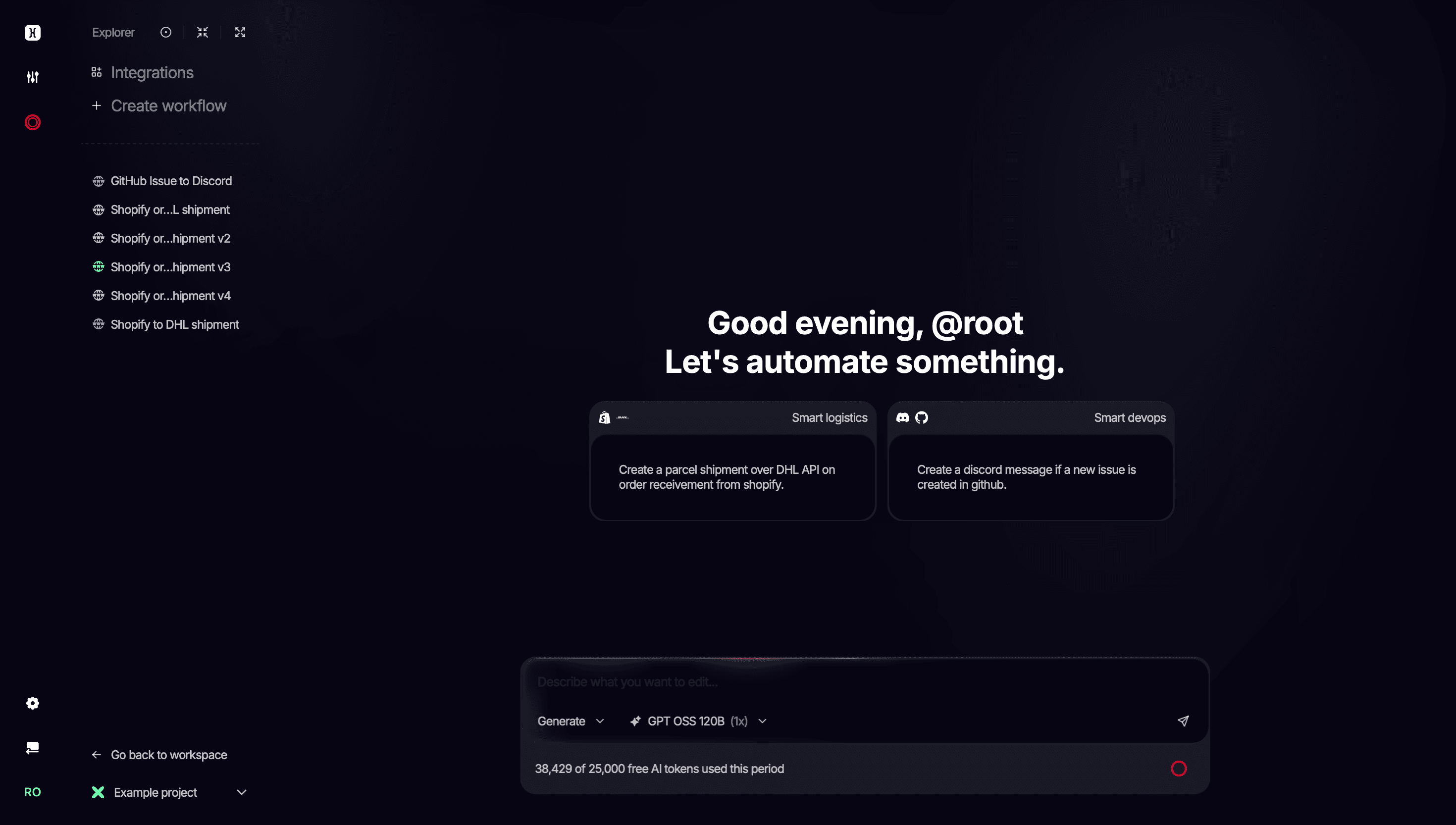
Use AI to create workflows and automate your environment
Transform the way you work by leveraging intelligent AI to design, build, and optimize custom workflows tailored to your specific needs.
Explore the complete list of
functions and their parameters
FunctionDefinition
rest::control::respond
Parameters
HTTP Status Code: An HTTP status code is a three-digit number (100–599) indicating the result of a request (e.g., 200, 404, 500).
Content Type: Specifies the MIME type of the response payload, such as application/json, application/xml, or text/plain. This determines the expected format of the payload parameter.
Response Payload: Contains the response payload. For application/json the value must be an OBJECT, for all other content types a plain string is expected.
HTTP response headers: A collection of key-value pairs containing additional response metadata.
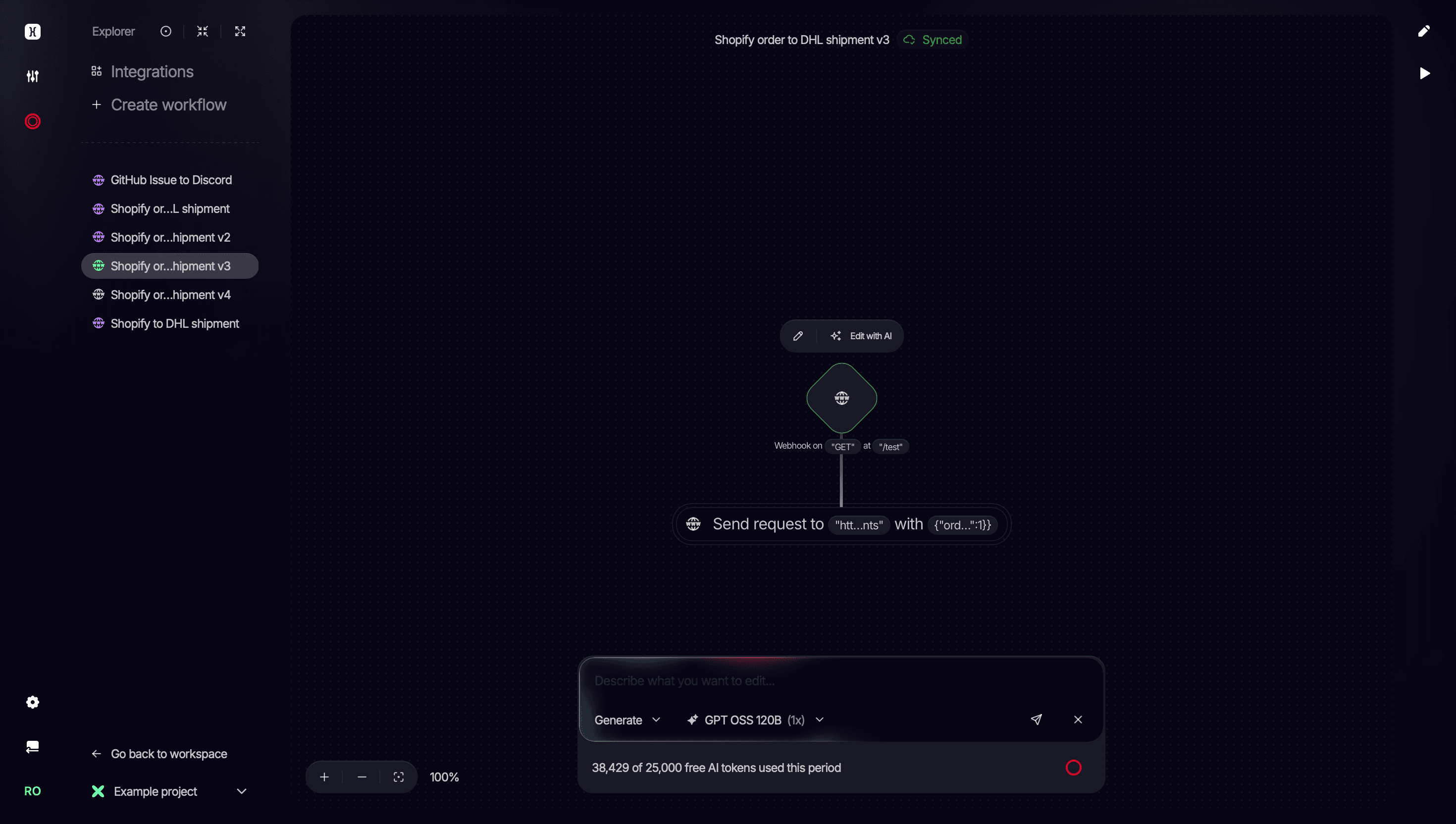
Use AI to optimize workflows and improve your environment
Empower your daily operations by utilizing advanced AI to analyze, streamline, and optimize your existing processes for maximum efficiency.
Explore the complete list of
events and their settings
FlowType
REST
