
GLS Integration within CodeZero
GLS shipping integration: create, validate, cancel, reprint, and report shipments via the GLS ShipIt API.

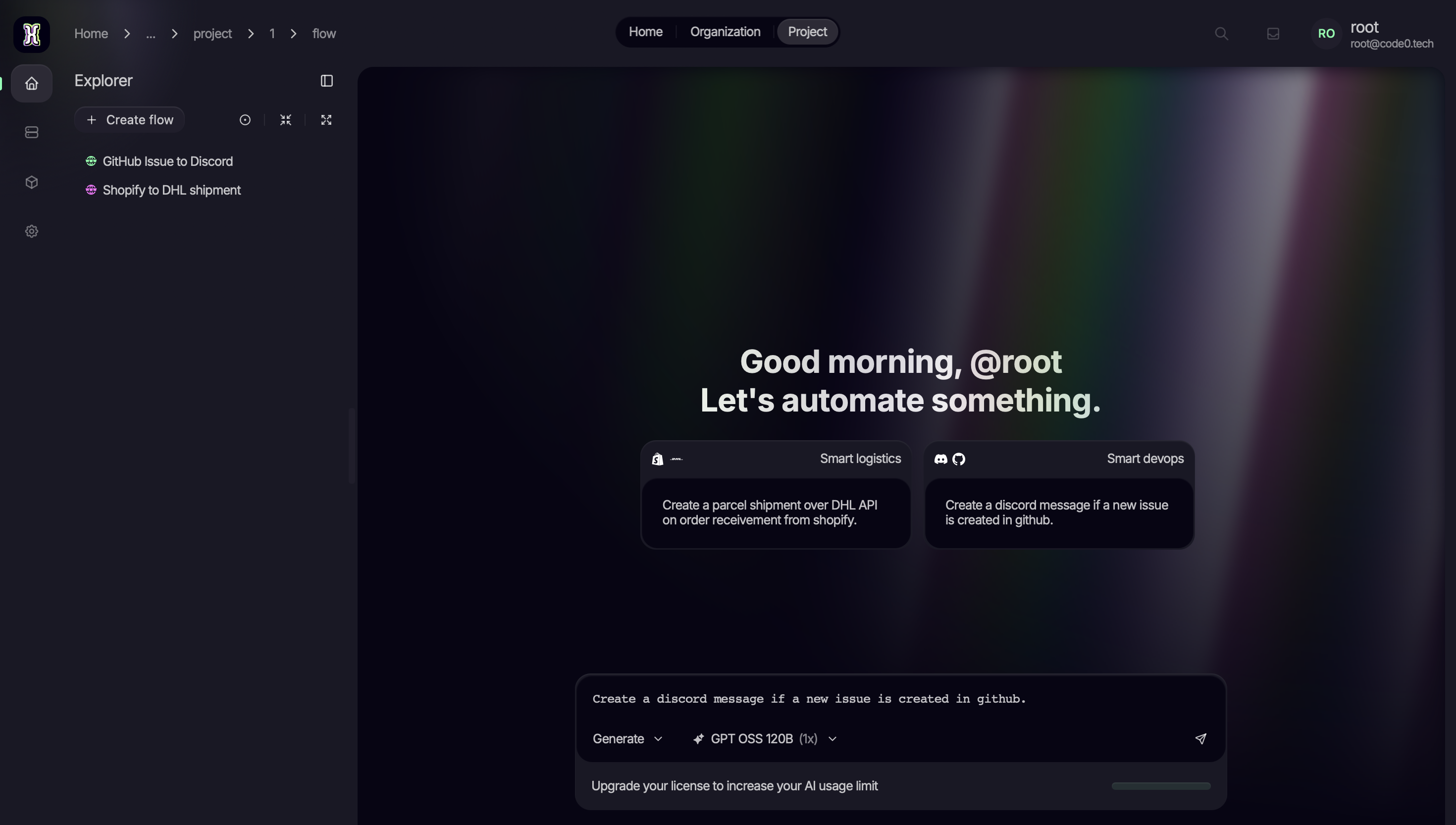
Use AI to create workflows and automate your environment
Transform the way you work by leveraging intelligent AI to design, build, and optimize custom workflows tailored to your specific needs.
Explore the complete list of
functions and their parameters
FunctionDefinition
cancelShipment
Parameters
Track ID: The Track ID of the shipment to cancel.
FunctionDefinition
reprintParcel
Parameters
Creation date: The creation date of the parcel, in ISO format (YYYY-MM-DD).
Template set: The template set to use for the reprinted label.
Label format: The format of the reprinted label.
Track ID: The Track ID of the parcel to reprint. Max length is 8 characters.
Parcel number: The parcel number of the parcel to reprint.
Shipment reference: The shipment reference of the parcel to reprint. Max length is 40 characters.
Shipment unit reference: The shipment unit reference of the parcel to reprint. Max length is 40 characters.
Partner parcel number: The partner parcel number of the parcel to reprint. Max length is 50 characters.
FunctionDefinition
createFlexDeliveryShipment
Parameters
Shipment: The shipment for which to create the parcels. Must include all necessary information and services for the shipment.
Printing options: The printing options for the shipment. Specifies options for the labels to be printed for the shipment.
Custom content: The custom content for the shipment. Specifies options for custom content to be printed on the labels.
Return options: The return options for the shipment. Specifies options for return shipments.
FunctionDefinition
createCustomContent
Parameters
Barcode content type: Type of content encoded in the barcode (TRACK_ID or GLS_SHIPMENT_REFERENCE).
Customer logo: Base64-encoded customer logo to print on the label.
Hide shipper address: Whether to hide the shipper address on the label.
Barcode type: Type of barcode to use (EAN_128 or CODE_39).
Barcode: Barcode value to print on the label.
FunctionDefinition
createShipmentUnit
Parameters
Weight (kg): The weight of the shipment unit in kilograms. Must be a positive number and greater than 0.10 and less than 99.
Shipment unit reference: The reference for the shipment unit. Max length is 40 characters.
Partner parcel number: The partner parcel number for the shipment unit. Max length is 50 characters.
Note 1: Note 1 for the shipment unit. Max length is 50 characters.
Note 2: Note 2 for the shipment unit. Max length is 50 characters.
Shipment unit service: The service associated with the shipment unit.
FunctionDefinition
getAllowedServices
Parameters
Source country code: The ISO alpha-2 country code of the origin. For example, DE for Germany.
Source ZIP code: The ZIP code of the origin. Max length is 10 characters.
Destination country code: The ISO alpha-2 country code of the destination. For example, FR for France.
Destination ZIP code: The ZIP code of the destination. Max length is 10 characters.
Contact ID: The GLS contact ID to use for the request.
FunctionDefinition
updateParcelWeight
Parameters
Weight: The new weight of the parcel in kilograms. Minimum is 0.1.
Track ID: The Track ID of the parcel to update. Max length is 8 characters.
Parcel number: The parcel number of the parcel to update.
Shipment reference: The shipment reference of the parcel to update. Max length is 40 characters.
Shipment unit reference: The shipment unit reference of the parcel to update. Max length is 40 characters.
Partner parcel number: The partner parcel number of the parcel to update. Max length is 50 characters.
FunctionDefinition
createAddress
Parameters
Name 1: The name of the recipient or company. Max length is 40 characters.
Country code: The ISO alpha-2 country code. For example, DE for Germany or FR for France.
City: The city of the address. Max length is 40 characters.
Street: The street name of the address. Min length is 4 characters.
ZIP code: The ZIP code of the address. Max length is 10 characters.
Name 2: Additional name information. Max length is 40 characters.
Name 3: Additional name information. Max length is 40 characters.
Province/State: The province or state of the address. Max length is 40 characters.
Street number: The street number of the address. Max length is 40 characters.
Contact person: The contact person for the address. Max length is 40 characters.
Fixed line phone number: The fixed line phone number for the address. Max length is 35 characters.
Mobile phone number: The mobile phone number for the address. Max length is 35 characters.
Email: The email address for the address. Max length is 80 characters.
FunctionDefinition
createPrintingOptions
Parameters
Template set: The label template set to use for return labels. Required together with LabelFormat to generate return labels.
Label format: The file format for return labels. Required together with TemplateSet to generate return labels.
Use default: Identifier of the default printing profile to use. Max 7 characters.
Label printer: Name of the printer to use for shipment labels. Max 255 characters.
Document printer: Name of the printer to use for documents. Max 255 characters.
FunctionDefinition
createShipper
Parameters
Address: The primary address of the shipper.
Alternative shipper address: An alternative address for the shipper, used when the shipment originates from a different location.
FunctionDefinition
getEndOfDayReport
Parameters
Date: The dispatch date to retrieve shipments for, in ISO format (YYYY-MM-DD).
FunctionDefinition
validateShipment
Parameters
Shipment: The shipment to validate.
FunctionDefinition
createConsignee
Parameters
Address: The address of the consignee.
Consignee ID: A customer-defined identifier for the consignee. Max 40 characters.
Cost center: The cost center to assign to the consignee. Max 80 characters.
Category: The category of the consignee. Can be either BUSINESS or PRIVATE.
FunctionDefinition
createShipment
Parameters
Consignee: The recipient of the shipment.
Shipment unit: One or more parcels included in this shipment. At least one unit is required.
Product: The GLS product type for the shipment. Defaults to PARCEL.
Shipment reference: A customer-defined reference for the shipment. Max 40 characters.
Shipment date: The date the shipment is handed over to GLS, in ISO 8601 date format (YYYY-MM-DD).
Incoterm code: Numeric incoterm code for the shipment. Max value is 99.
Identifier: An additional customer-defined identifier for the shipment. Max 40 characters.
Express alternative delivery allowed: Whether an alternative delivery is permitted for express shipments.
Shipper: The shipper for this shipment. If not provided, the default shipper from the action configuration is used.
Carrier: The carrier to use for the shipment. Currently only ROYALMAIL is supported.
Return address: The return address for the shipment. If provided, a return label is generated.
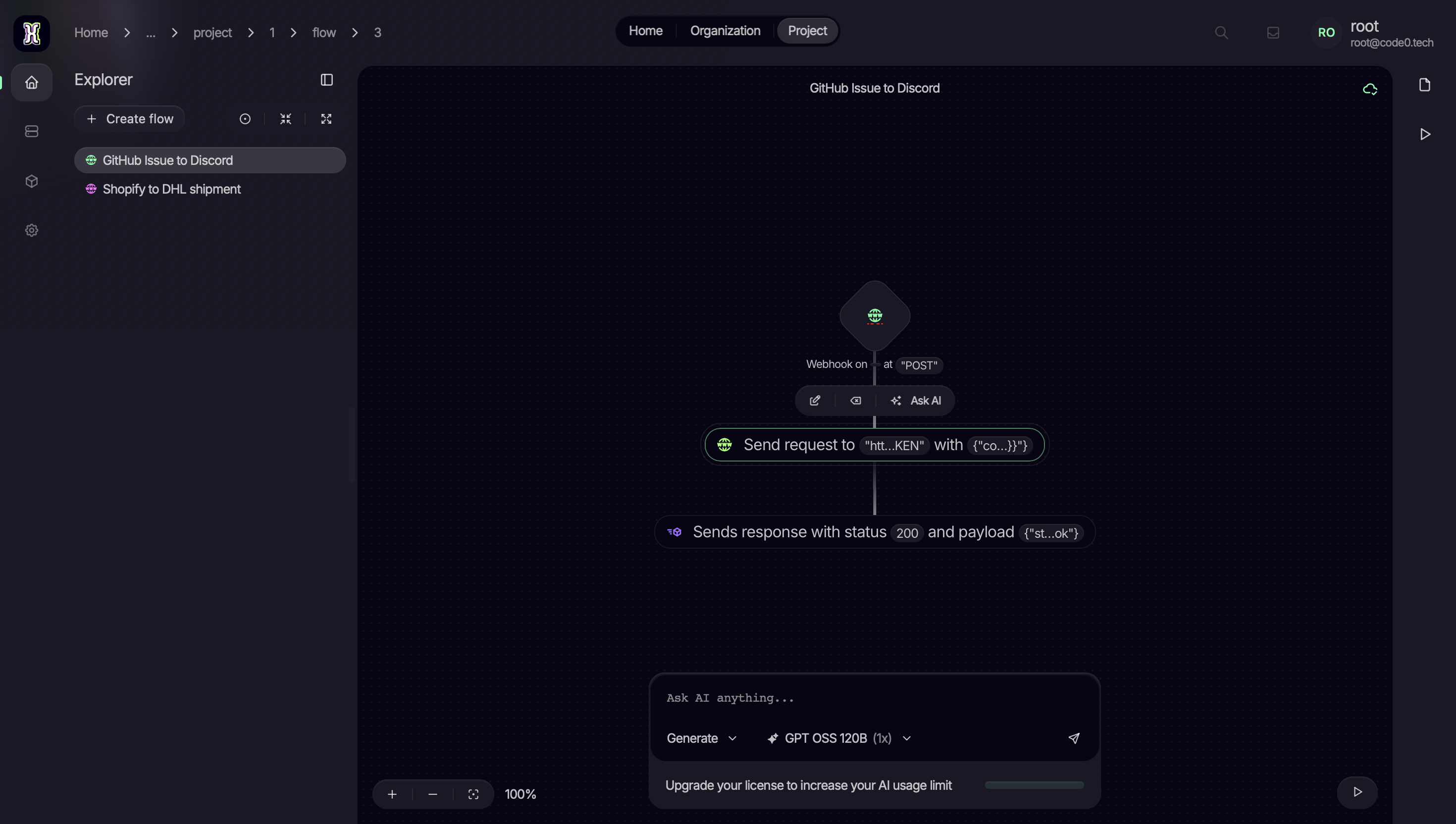
Use AI to optimize workflows and improve your environment
Empower your daily operations by utilizing advanced AI to analyze, streamline, and optimize your existing processes for maximum efficiency.
